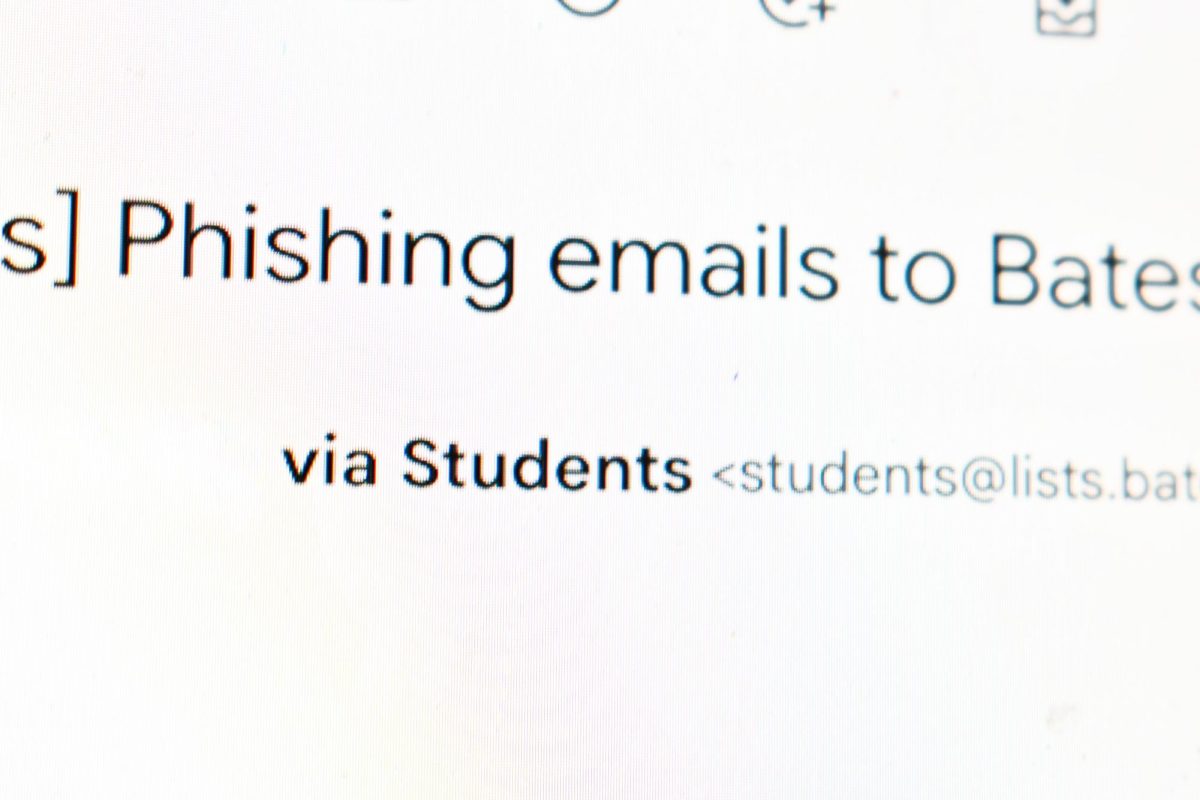
On Oct. 13, members of the Bates community may have noticed a strange email hit their inbox. The email appeared to have been sent by the Bates IT Help Desk and requested that users click a link to change their password within 24 hours, or else their account would be deleted. Given that Bates has been going through a recent password policy change, this scam was particularly timely and convincing. Around 190 students were reported to have clicked the link in the email before it was discovered and taken down.
The email was sent out to approximately 3,500 individuals consisting of students, staff and faculty members, making it one of the biggest phishing scams Bates has encountered thus far. The Bates Student reached out to Chad Tracy, director of information security, privacy and compliance for Information and Library Services (ILS), to learn more about how these scams work and how the Bates community can be prepared to avoid falling for them in the future.
According to Tracy, the threat actors–or scammers–were “looking for credentials: what’s your username and what’s your password?” If the email recipient clicked the link and provided their information, the threat actor would try to access their Garnet Gateway account and replace their direct deposit information with their own bank information. However, they faced an obstacle before reaching the step: Duo two-factor authentication. At this point, the threat actors would hinge on the hope that the end user would mindlessly accept the Duo push sent to their phone.
However, if the end user instead pressed the button reporting the push as a scam, ILS would be notified immediately. “That’s honestly how we find out sometimes that these phishing emails are coming through,” Tracy explains, “because the end user has given their credentials and the threat actor is now harassing them through Duo.”
Once ILS and the Help Desk are notified, they remove the email from everyone’s inbox to prevent more people from interacting with it. At the same time, those who reported the fraudulent attack through Duo will have their accounts disabled. Once this is done, ILS will contact and guide them through changing their password, preventing the threat actor from accessing the account.
Another way ILS flags a potential phishing scam is when somebody raises their hand. This occurs when someone either forwards the email to Tracy or the Help Desk, or alternatively approaches the Help Desk at the library in person–either of which Tracy “totally approves of.”
He adds, “if you get some weird email into your inbox, and you’re like, I don’t know, it makes the hairs stand up on the back of my neck, whatever it is… feel free to shoot it to the help desk, shoot it to me.” This allows staff to take proper action in the case it is a scam.
Though Bates has several controls that keep most phishing emails from making it to student, staff, and faculty inboxes, every so often one will come through. For this reason, it is important that students are aware of how to best identify these emails as scams.
First is making sure that the email is coming from a @bates.edu address. One trick to be aware of is spoofing, or falsifying information such as an email address to make it seem as if it is coming from a legitimate source. When this occurs, there will be two brackets next to the falsified address with the real address; if this is not @bates.edu, that is a telltale sign that the email has been spoofed.
Other signs appear in the content of the email. Tracy says, “usually threat actors will put some sort of a stressing event,” such as the account being shut down in 24 hours. He adds, “we aren’t heavy handed like that; we would never do that kind of a thing.”
Phishing emails also tend to include a link or QR code, which usually redirect end users to a Microsoft or Google sign-in page. Tracy emphasizes that any sign of suspicion is reason to be critical: “if people were to pause and be like, why do I need to sign in again? I’m already signed in! Any kind of signage like that is a definite red flag […] and Microsoft? We don’t even use Microsoft!”
Most importantly, if you suspect you have encountered a phishing scam and are unsure how to proceed, ILS and the Help Desk are available resources and happy to help. Tracy can be reached directly through [email protected].
Tracy says that “Anyone can fall for a phishing email anytime anywhere… As long as people are careful or people raise their hand, that’s probably the biggest thing.”